




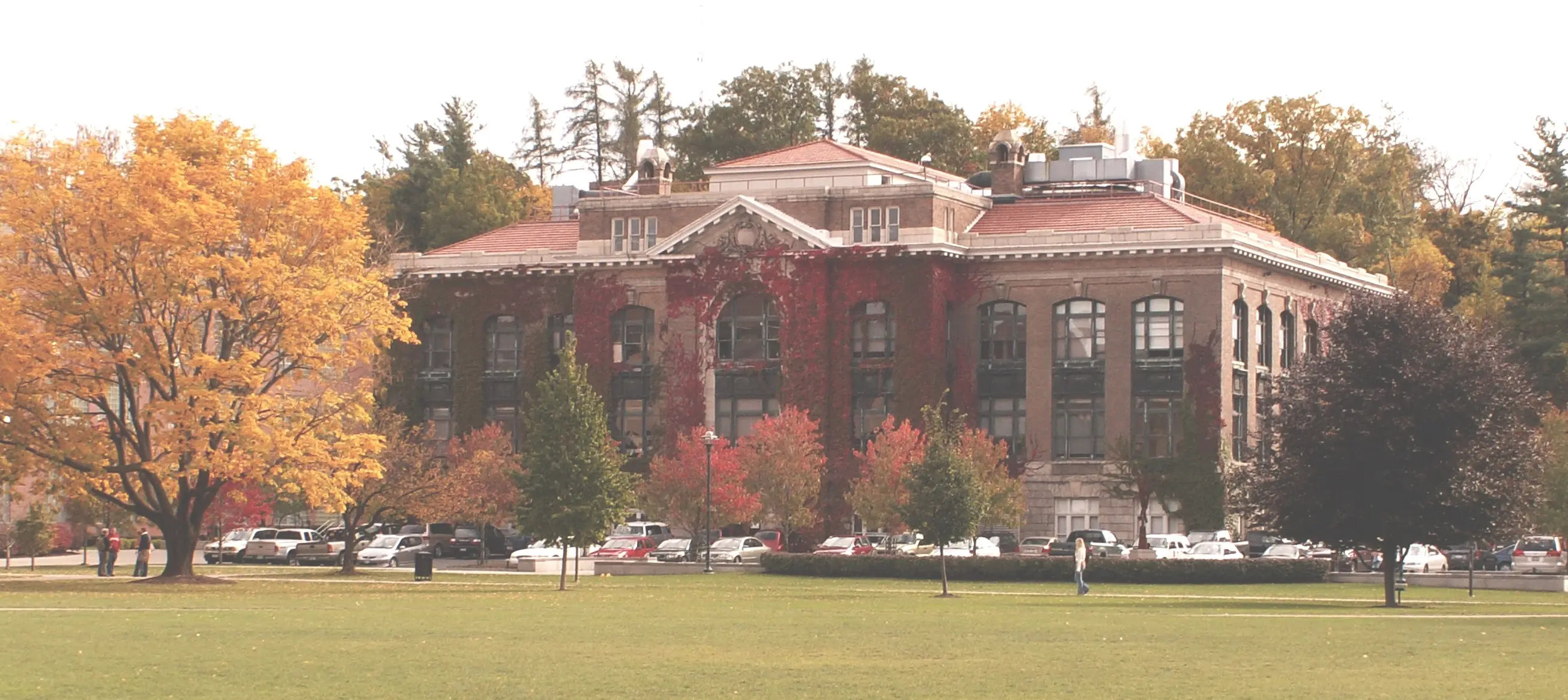
Running Reality for Teachers
Take your students to visit history. Lead a virtual field trip in the classroom or use augmented reality with a lesson plan at a historic site.
Overview
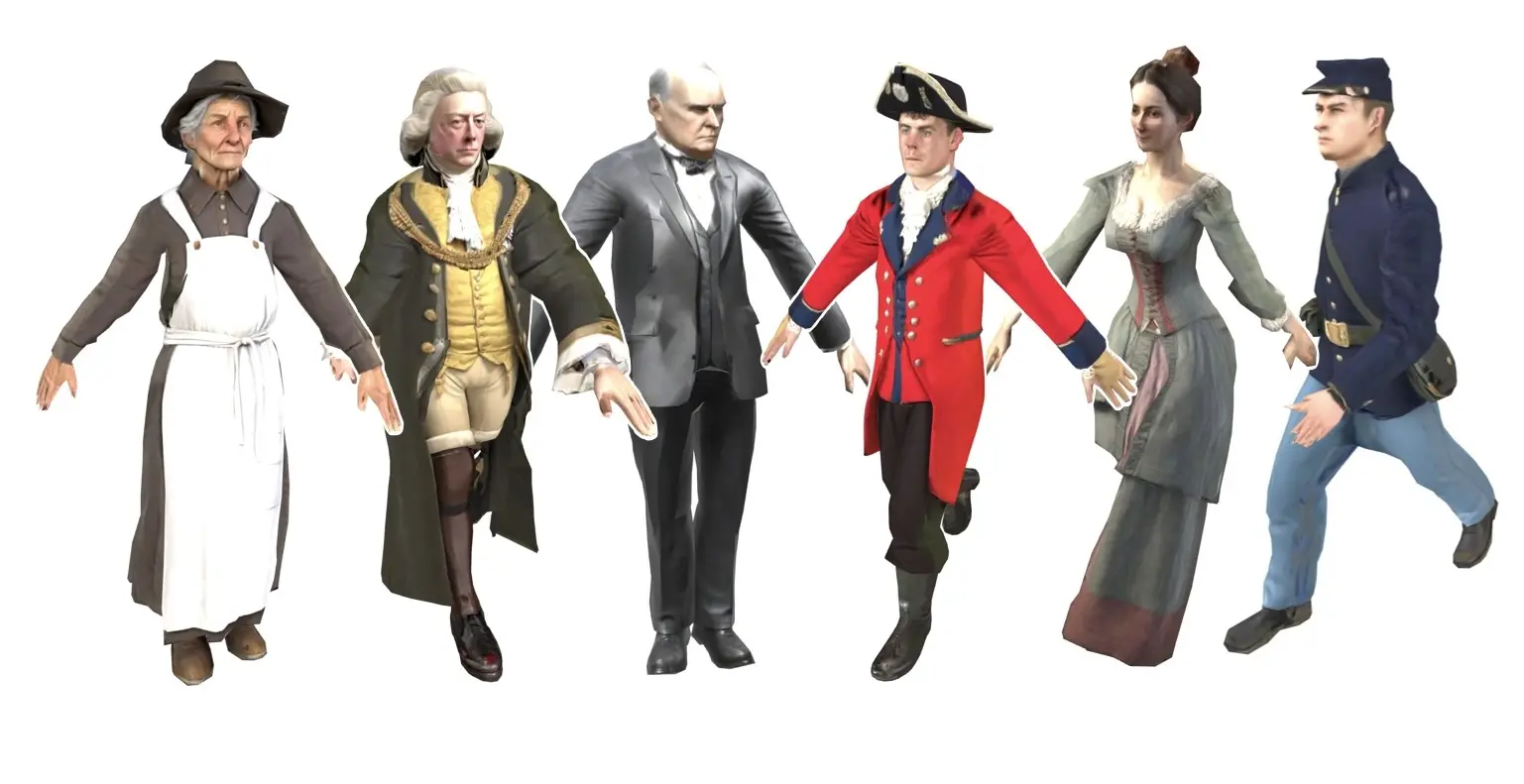
Running Reality turns history into a place students can investigate. In the classroom, use our digital time machine to explore historical events in 2D or 3D on a virtual field trip. At a historic site, use a lesson plan with augmented reality on a real field trip. In either setting, students can talk with interactive people, collect documents, examine the supporting citations, and discuss how different perspectives shape our understanding of the past.
Philosophy
Running Reality supports inquiry-based learning: students learn history by asking worthwhile questions, seeking out people and sources, comparing perspectives, and using evidence to construct their own explanations. Visiting a place in Reality provides a compelling starting point, but the learning comes from investigating what people say, collecting the documents behind their accounts, and deciding what the evidence supports.
These habits of historical judgment are increasingly important in a world shaped by generative AI. Students need the subject knowledge and critical skills to question polished answers, recognize uncertainty, and use AI as a tool rather than a shortcut around meaningful work.
Running Reality complements rather than replaces traditional narrative history. Books and lectures provide sustained narrative detail and Running Reality provides an emergent visual narrative that students can explore across time and place. Our goal is to make that exploration accessible and engaging while maintaining rigorous attention to historical accuracy, citations, and integration with the tools teachers already use.
Use in the Classroom
Use it as an inquiry activity while on a virtual field trip through history in 2D or 3D. A simple inquiry-based classroom activity can follow four steps:
| 1. |  |
Visit the moment | Explore a historical place as events unfold. |
| 2. |  |
Question the people | Hear from individuals with different roles and perspectives. |
| 3. |  |
Collect the evidence | Bring speeches, letters, records, and other documents back to class. |
| 4. |  |
Build a conclusion | Compare accounts, evaluate claims, and construct an evidence-based interpretation. |
Present the journey on a shared display, or give students their own devices and use a lesson plan to guide the class through the same places, dates, people, and documents.
| Free Form | Share or project your screen and explore freely with your students. Provide links for homework research. |
|
| Presentation LESSON PLAN 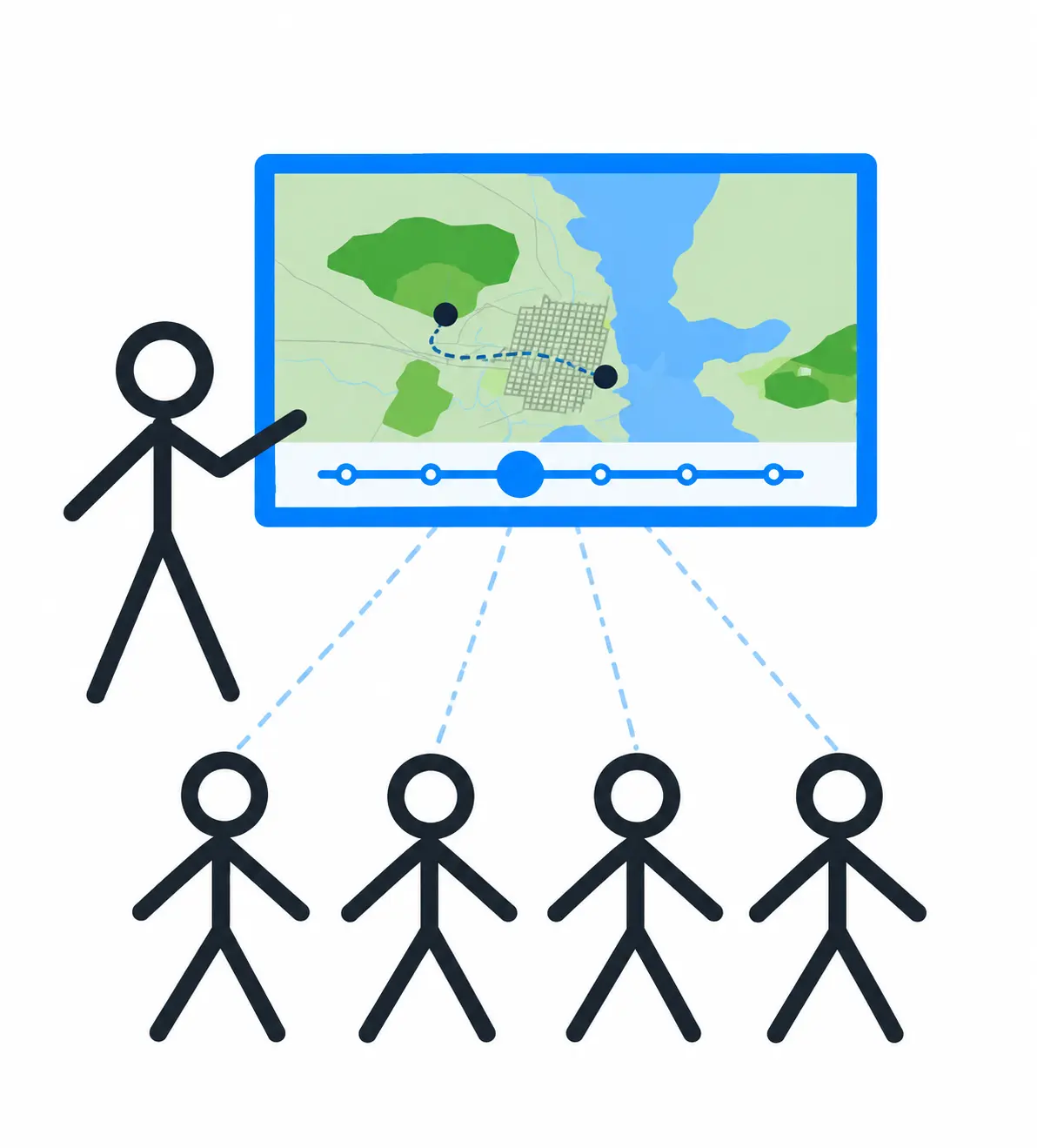 |
Stepwise journey through your learning objectives, pre-scripted to simplify a chaotic classroom. | |
| Guide LESSON PLAN 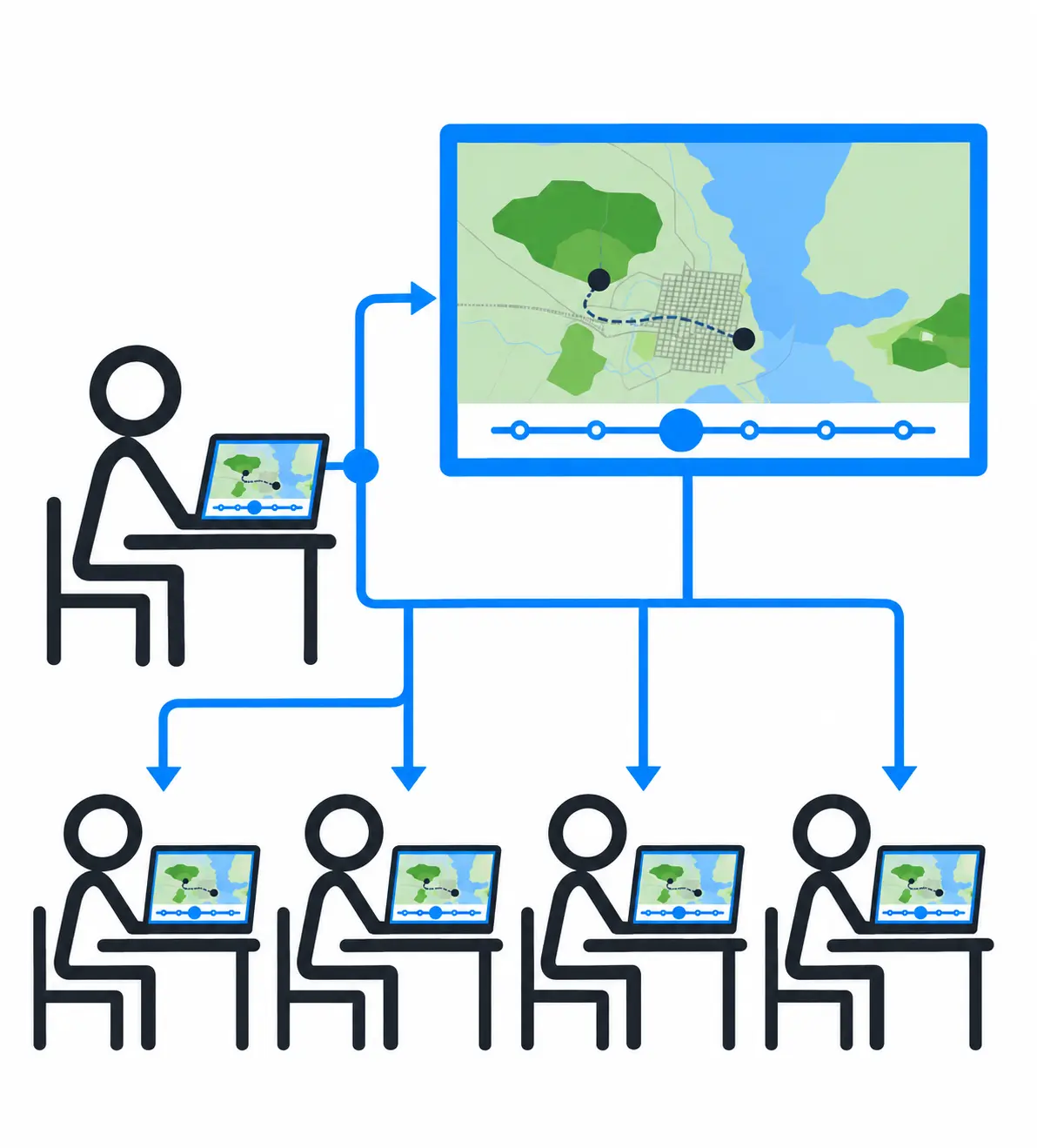 |
Step all student's devices to a waypoint, then let them explore and talk to people they meet. |
 Interactive people
 WALK mode
LESSON PLAN A lesson plan pre-scripts the route through history, including the dates, locations, and views for each waypoint, so an interactive journey can be presented as simply and predictably as a slide show. Synchronization controls can keep student devices with the instructor when the class should travel together, while lighter synchronization lets students explore around each step. Lesson plans can also be shared through your classroom learning platform.
Use on a Field Trip
A Running Reality lesson plan can support an in-person field trip as well as a virtual one. At a historic site, students can use augmented reality to explore reconstructed buildings, objects, events, and people in the places where the history happened. The lesson plan can guide their investigation while still giving them room to explore the site.
As they explore, students can talk with interactive people and collect digital artifacts, documents, and letters. Back in the classroom, the teacher can use that evidence for source comparison, discussion, writing, or assessment, making the field trip part of the larger unit rather than a stand-alone experience.
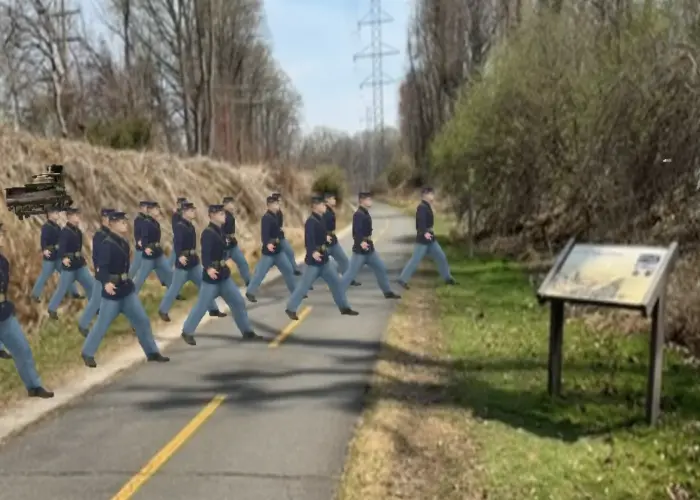
COMING SOON We are implementing a field notebook in which students can put the evidence or artifacts that they collect. This will be a teacher-owned field notebook so no student identify information must be given to Running Reality. After the field trip, teachers can see what the students collected, use those items for classroom discussions, and use them for artifact-based summative assessments.
This connection also benefits historic sites. When a site invests in researched, cited 3D content, that same content can support both the experience on location and virtual visits before or after the trip. The site's stories become easier for teachers to integrate into classroom learning.
Features
Go Ad-Free
Keep students focused by removing ads. Sign in for free when presenting, or add
student to a shared URL so students receive an ad-free view.
Device Availability
Explore in a web browser on phones, tablets, and laptops, or use the desktop app on Mac, Windows, and Linux. Running Reality also works well on projectors and large touch screens.
Learning Platforms


Add any Running Reality URL to your class resources.
LESSON PLAN Lesson-plan links include the student key so students can move from your learning platform into the activity without another login.
Configuration
Use URL parameters to open an exact date and location or hide interface elements such as the search box, timeline, labels, and ads, creating a focused starting point for students.
Map Layers
LESSON PLAN Add a web map layer to a lesson plan, including any online map or OpenStreetMap.
Video
In the desktop app, combine map and data sources, then copy or export your view as a JPEG image, MP4 movie, or GIF animation.
Use as a Source
Running Reality should not be a primary source. Like an encyclopedia or a historical atlas, it provides a broad context. You can use that context to figure out new avenues for research, following links to cited reference works on topics that might be of value. At this stage in Running Reality project, you might expect there to still be blank areas or bugs in its model of history, so definitely check yourself against the works cited by the model's factoids.
How your help can be valuable
Running Reality is both a software challenge and a historical research challenge. We need your assistance to help our team ensure that the latest developments in archaeological research can be accessible to our audience. Contributing factoids to the history model will be very valuable to the project and will provide citation links back to your primary sources and research material. Running Reality's timeline branching is meant to facilitate exploration and discussion of new and emerging research.
Feedback
If you can not find an answer here, please feel free to ask us for help. Send us an email if you would like us to get back to you with a response:
 Email the team